SSO
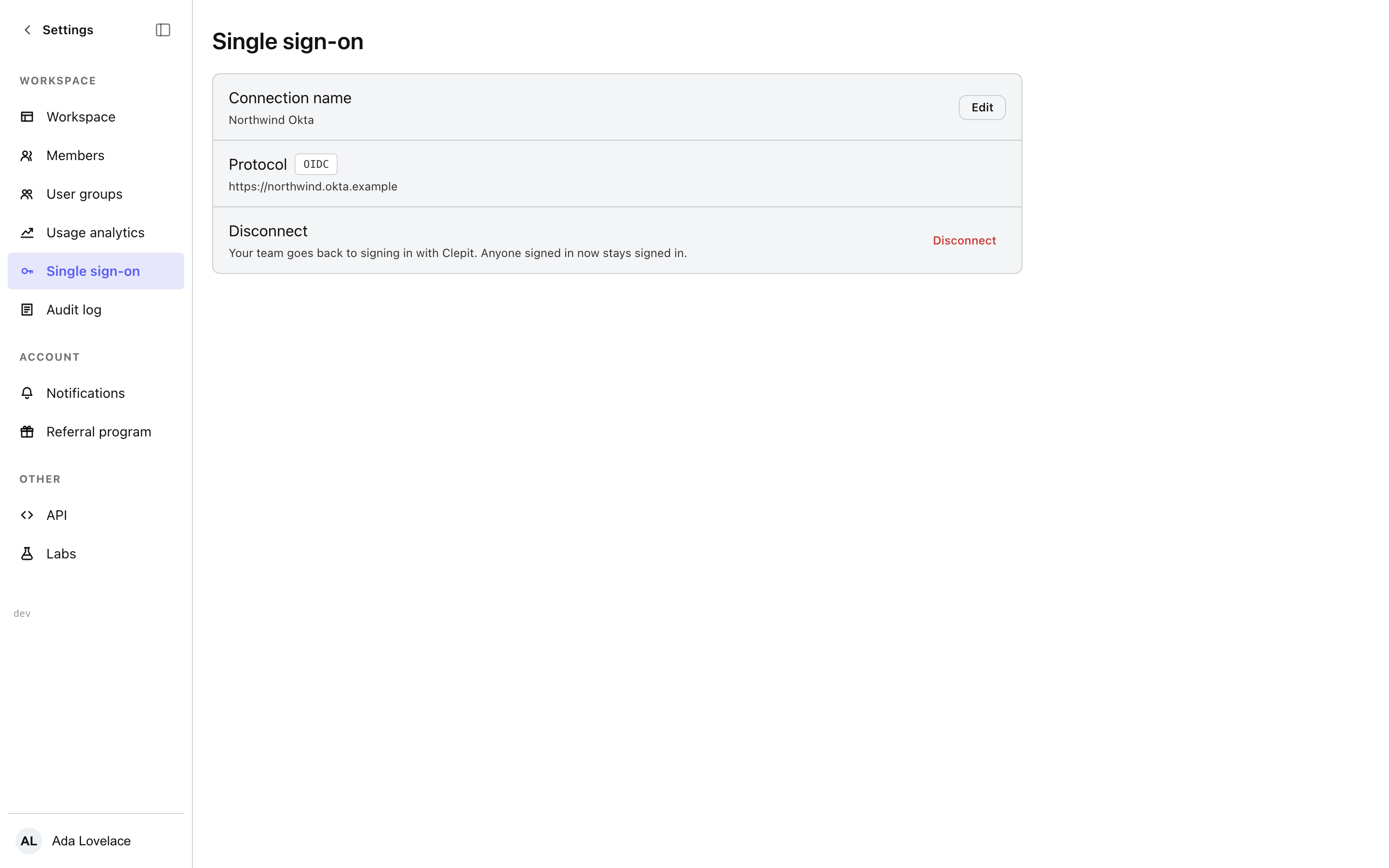
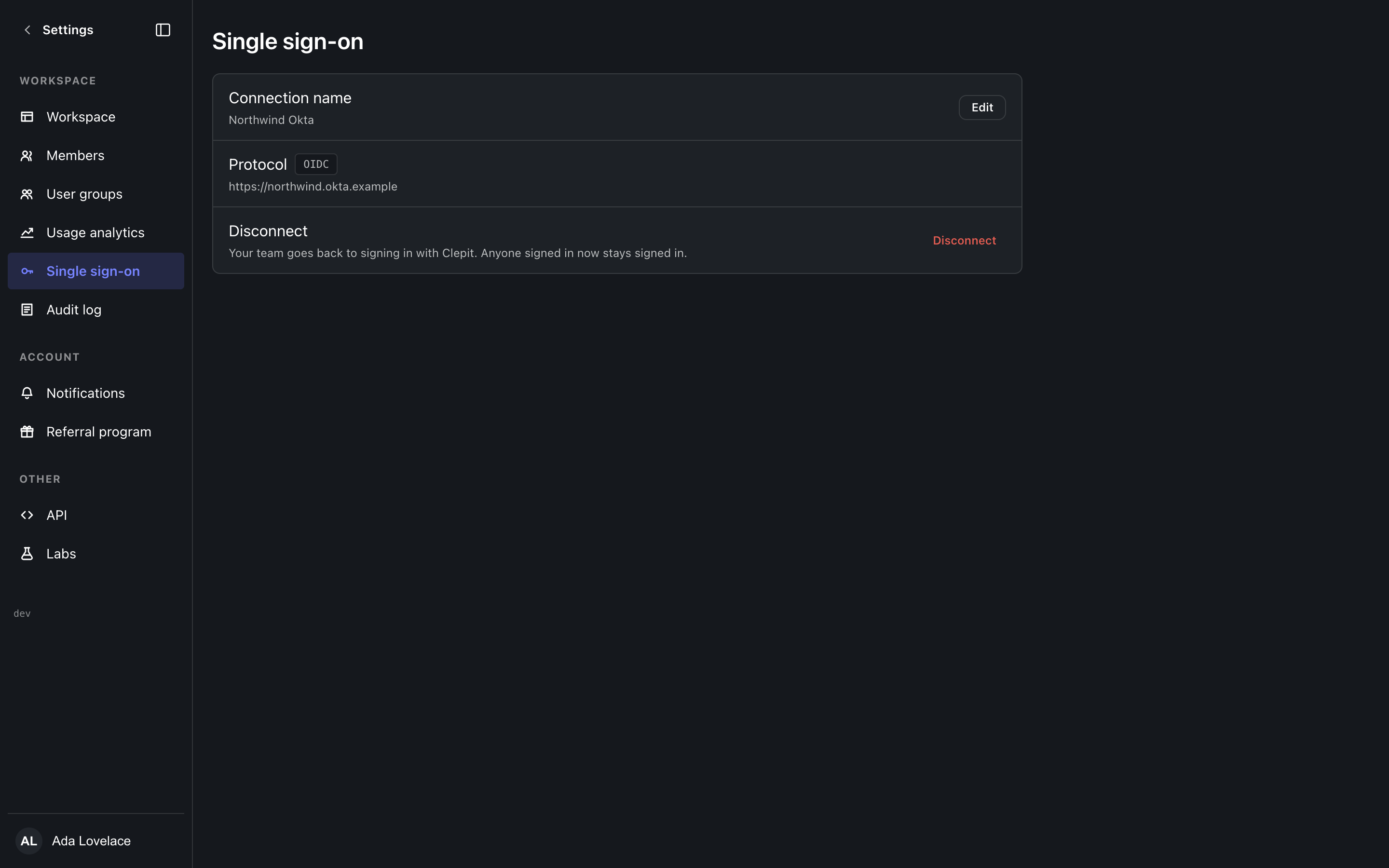
Connect the workspace to your organisation identity provider: OIDC or SAML.
Connecting a provider
One connection per workspace, OIDC or SAML. OIDC takes the issuer, client id, and client secret; SAML takes the metadata; both take a display name your members will see on the sign-in screen. The connection can be edited or removed after it is made.
Guard rails
Changing sign-in is the most sensitive change a workspace makes, so the screen asks you to re-authenticate before it saves (step-up), and plans without SSO see the upgrade notice rather than a form that fails at the end.