Anggota & grup
Siapa yang ada di ruang kerja, dengan peran apa, dan bagaimana grup mengaturnya.
Users
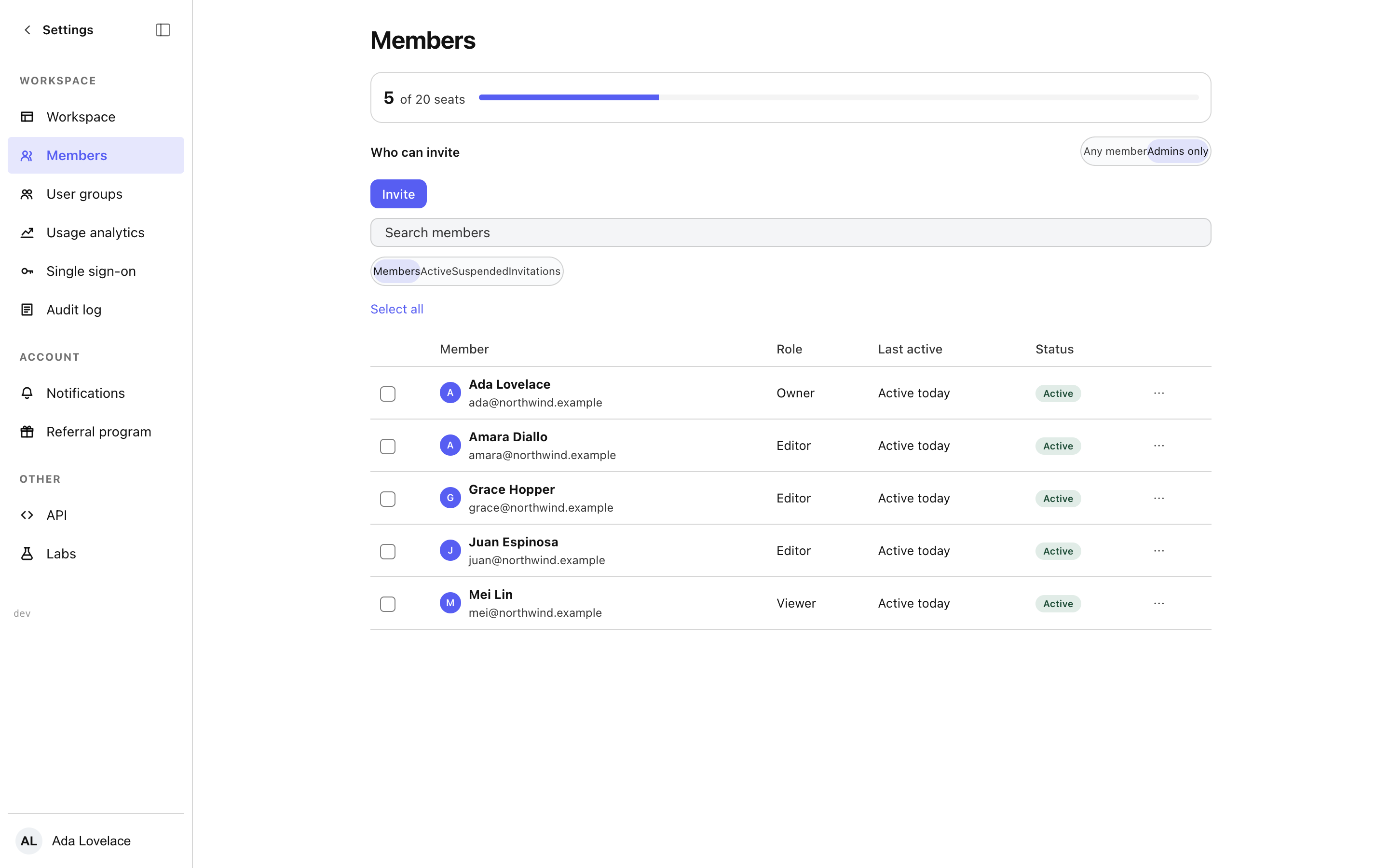
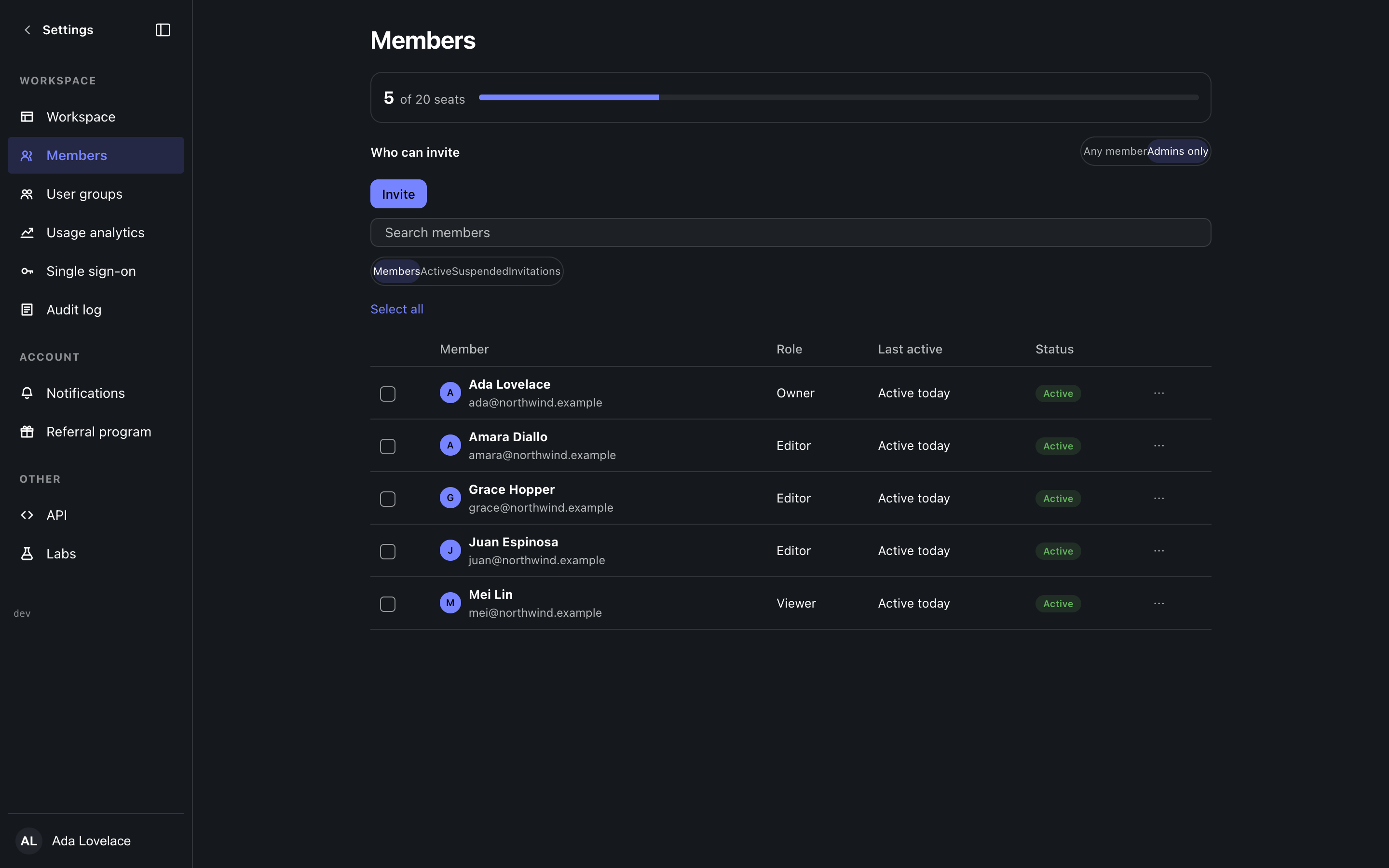
The roster with search, sorting and a role filter, and a seats chip in the page header that meters how many seats are used against the plan (absent on an uncapped plan). Pending invitations sit in a band above the roster that folds away and disappears entirely when nothing is pending. Selecting rows raises a bar that counts them and removes them, or moves them to a role, in one action. Inviting takes a list of emails and a role, and reports per-address results, so one bad address does not hide the nine that worked. Who may invite is a Workspace setting.
Roles
The Roles tab lists the system roles and the custom roles the workspace has defined, with how many members hold each. A role editor groups privileges by area and only offers what you yourself hold with grant option, counting what is yours to give; deleting a role that members hold names who loses what before it runs. The same editor serves the role picker on a member, so the two never drift apart.
Groups
Named groups with a description and a member picker, created and edited in place. Groups exist to be granted access as one unit, so organising people precedes sharing documents with them.
Where this meets the docs
Enterprise sign-in for these members is configured under SSO, and every change made here lands in the audit log.