Dokumen
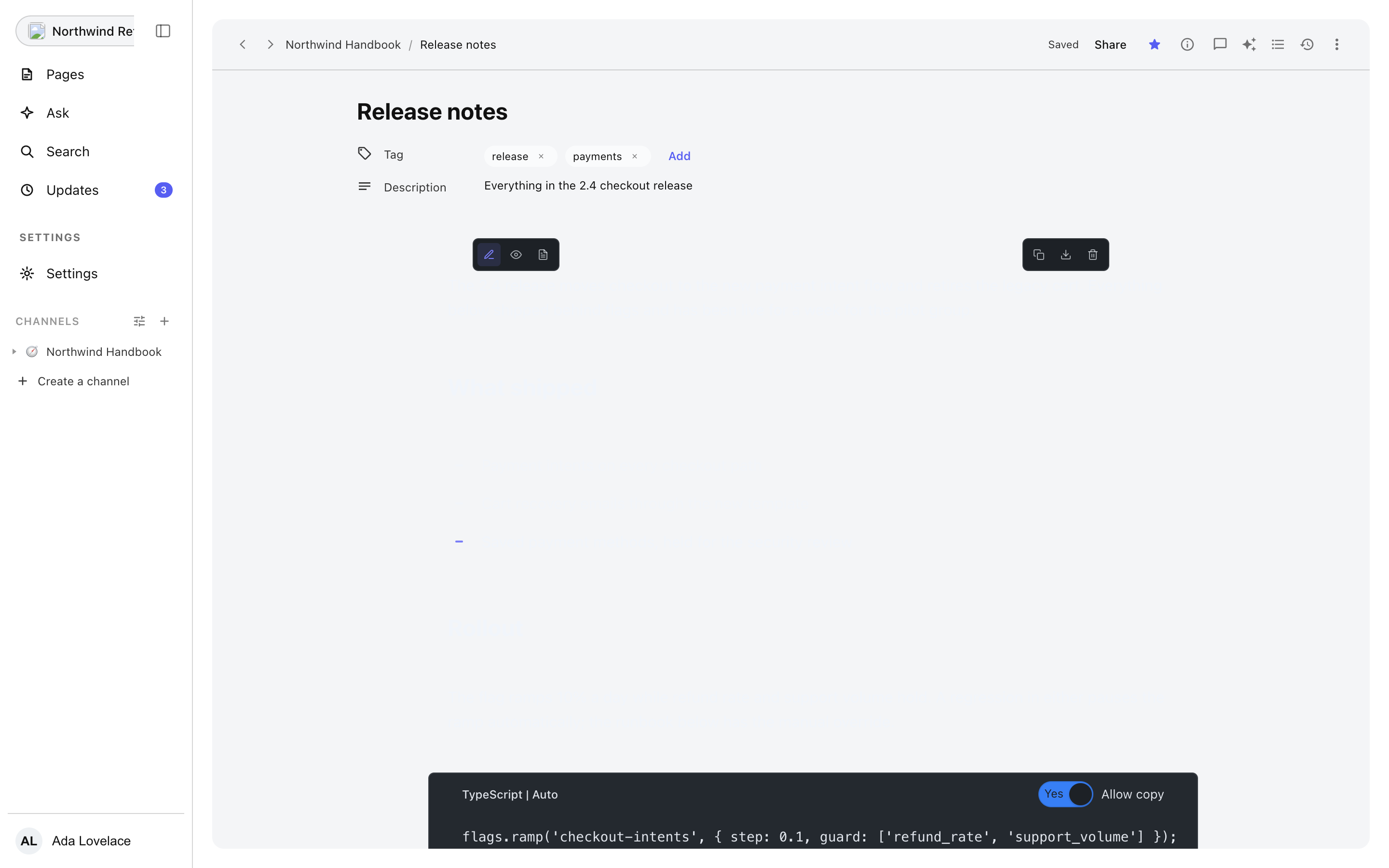
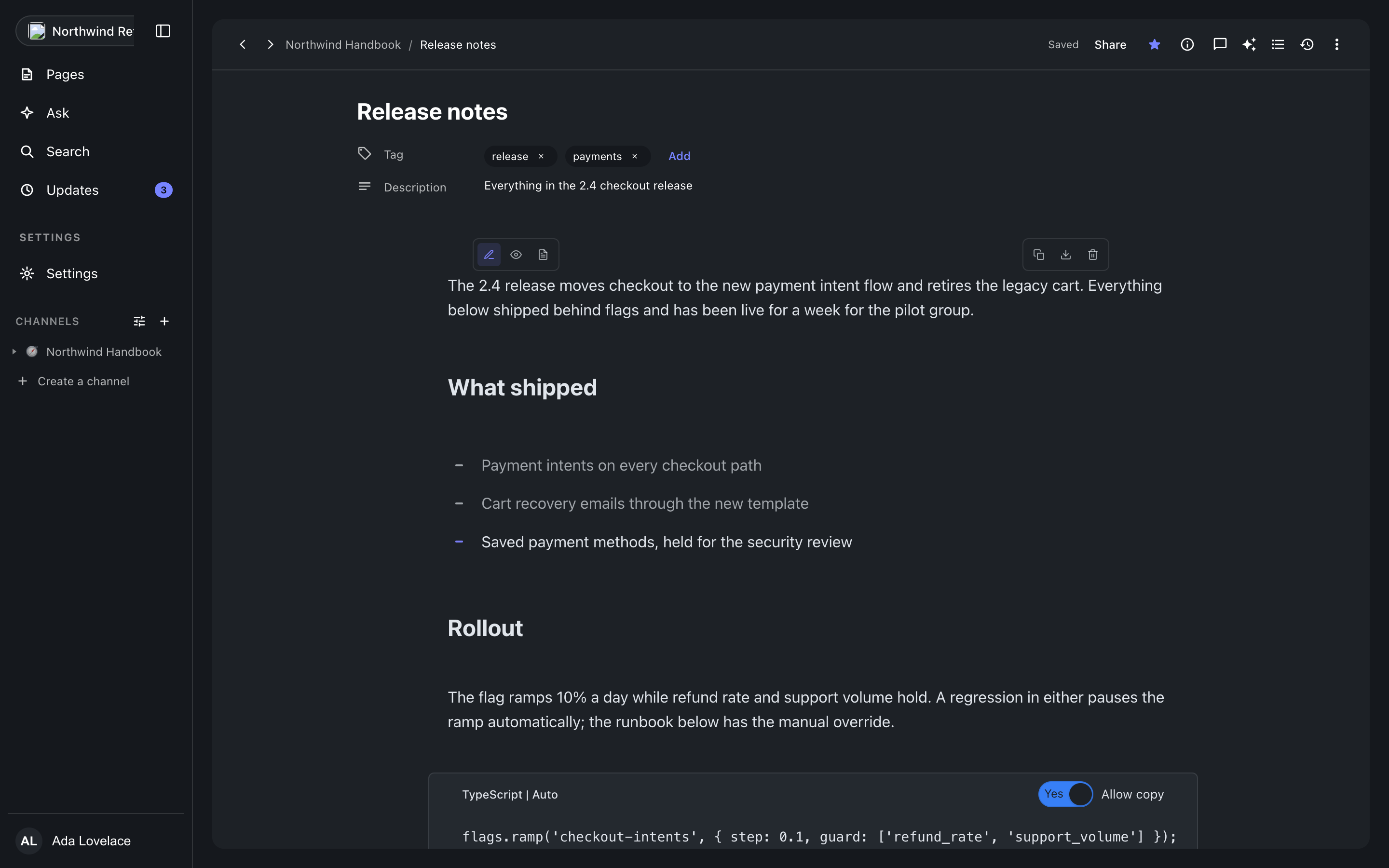
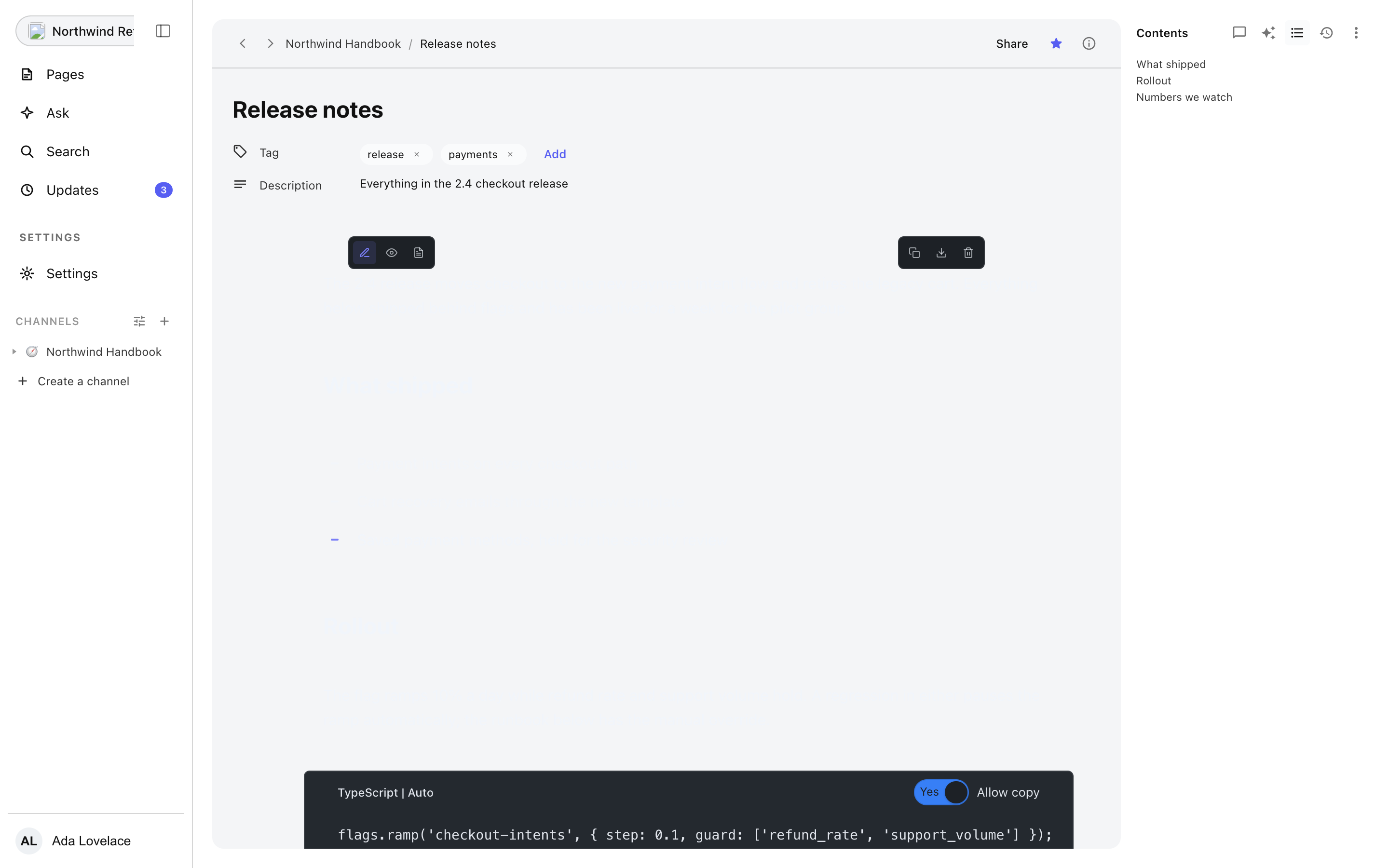
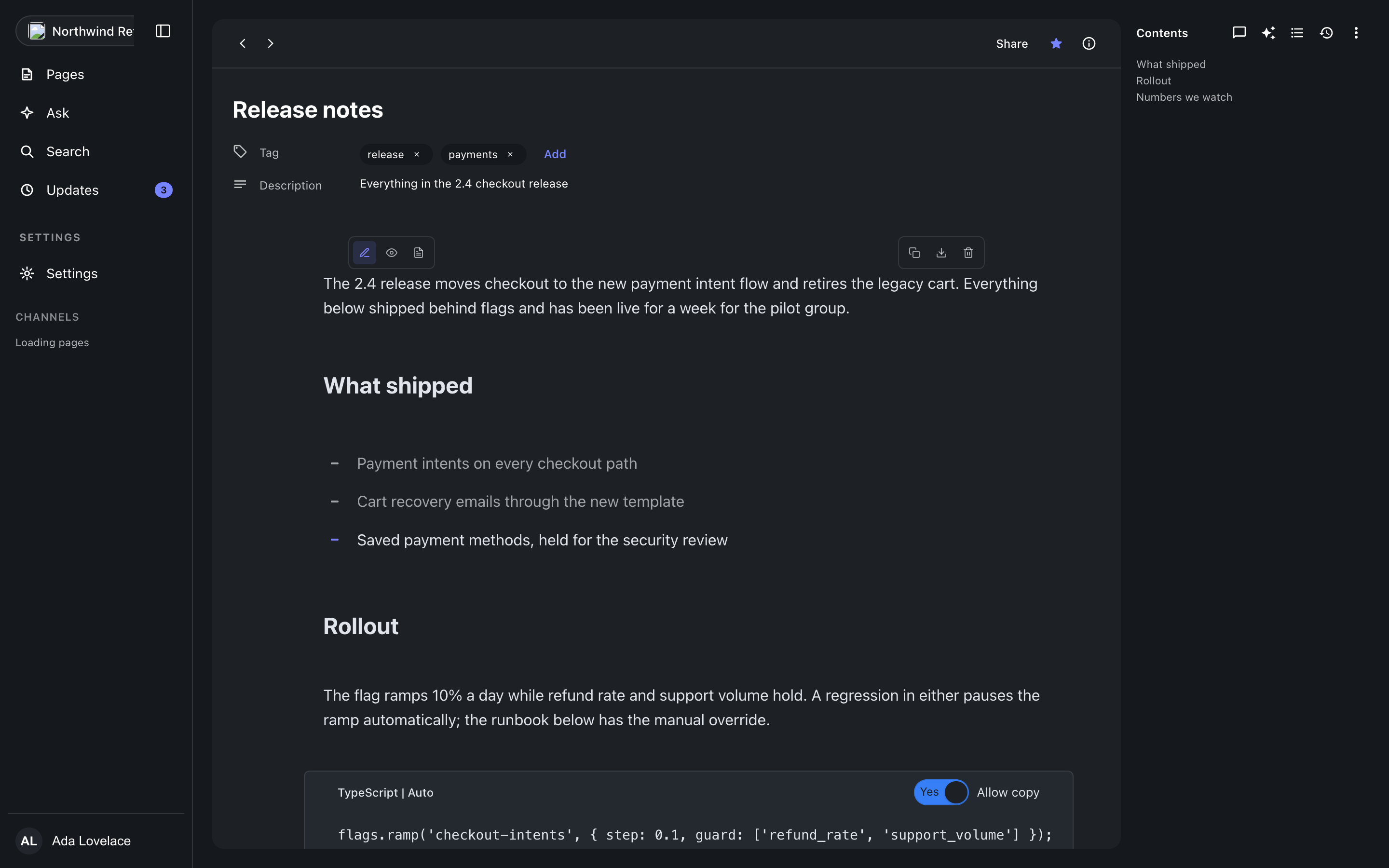
Halaman dokumen adalah jantung konsol: editor, header dokumen, panel samping, dan status penyimpanan.
The header
Back and forward, the breadcrumb trail, and the document actions: favourite it, open its info, share it, and the document menu. Info holds the reading insights: views, readers, followers, and when it was last read, and it says plainly when insights are unavailable or the reader is not allowed to see them.
Writing
The body is the Clepit editor itself, so every block type, inline tool, and slash command in the block reference and inline tools reference is available here. The document menu adds what belongs to the document rather than a block: a description, tags, and export to HTML or Markdown.
Saving, offline, and conflicts
The save badge in the header tells the truth about persistence: saved, saving, a retry when a save failed, and the reason when the console is offline. When another session changed the document underneath yours, the badge becomes a conflict notice with a reload; restoring an old revision that lost a race surfaces the same conflict copy, so there is one conflict story to learn, not two.
The panels
Four switchers open panels beside the document. Contents is the table of contents built from the document headings, and says so when there are none. Comments carries the discussion with open, resolved, and unread segments and a composer. History lists revisions newest first with who and when, milestone stars, rename, restore, and load-more; Ask holds its place and says it is coming rather than pretending.
Where this meets the docs
Publishing and share links live behind the Share button and are covered in Publishing & sharing. The block payloads the editor writes are the JSON documented in the block reference, and the same document renders anywhere through rendering and embedding.