Publicación y compartir
Un documento sale del espacio de trabajo de una de tres formas: publicado en la web, mediante un enlace para compartir o exportado como archivo.
Publishing to the web
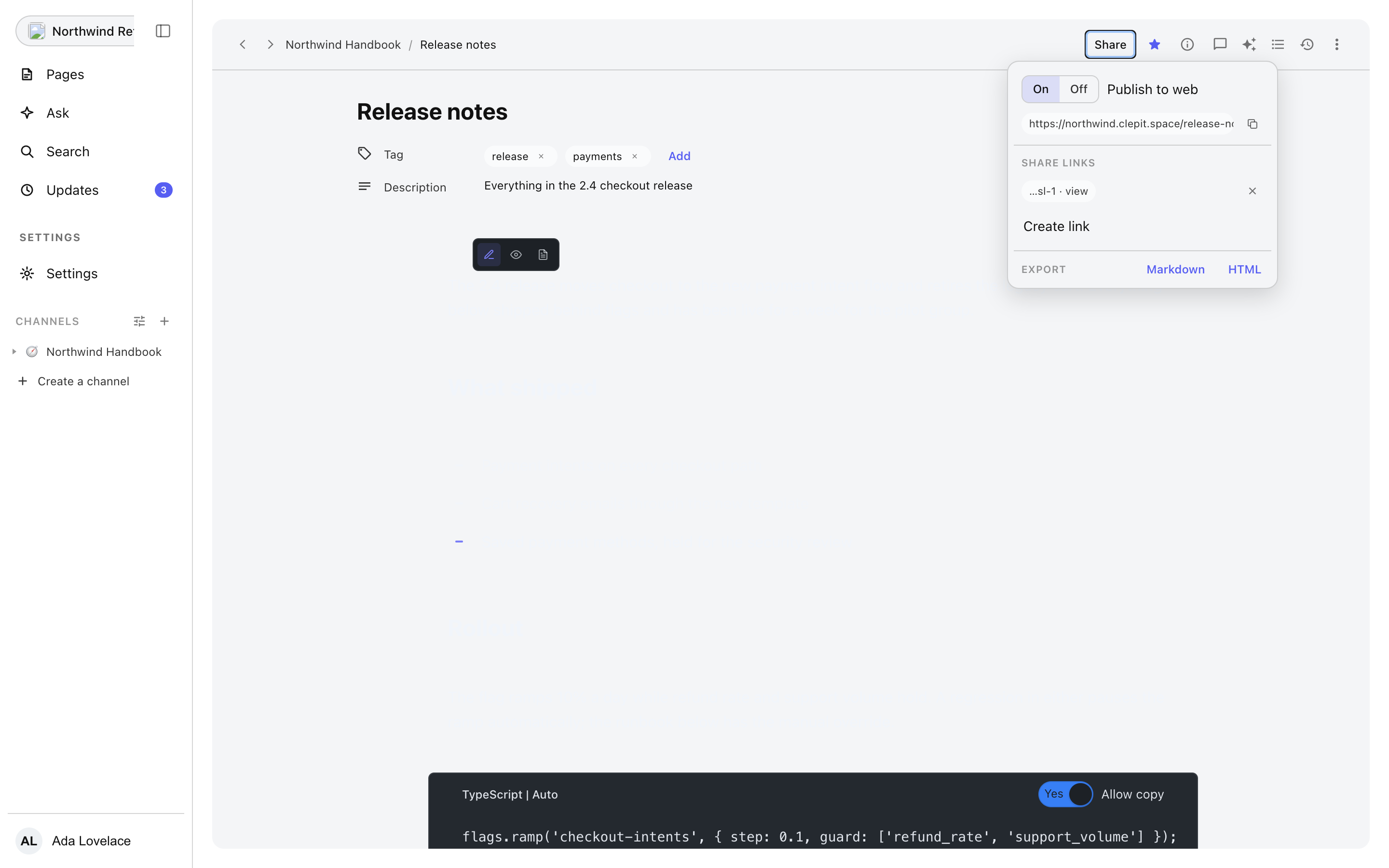
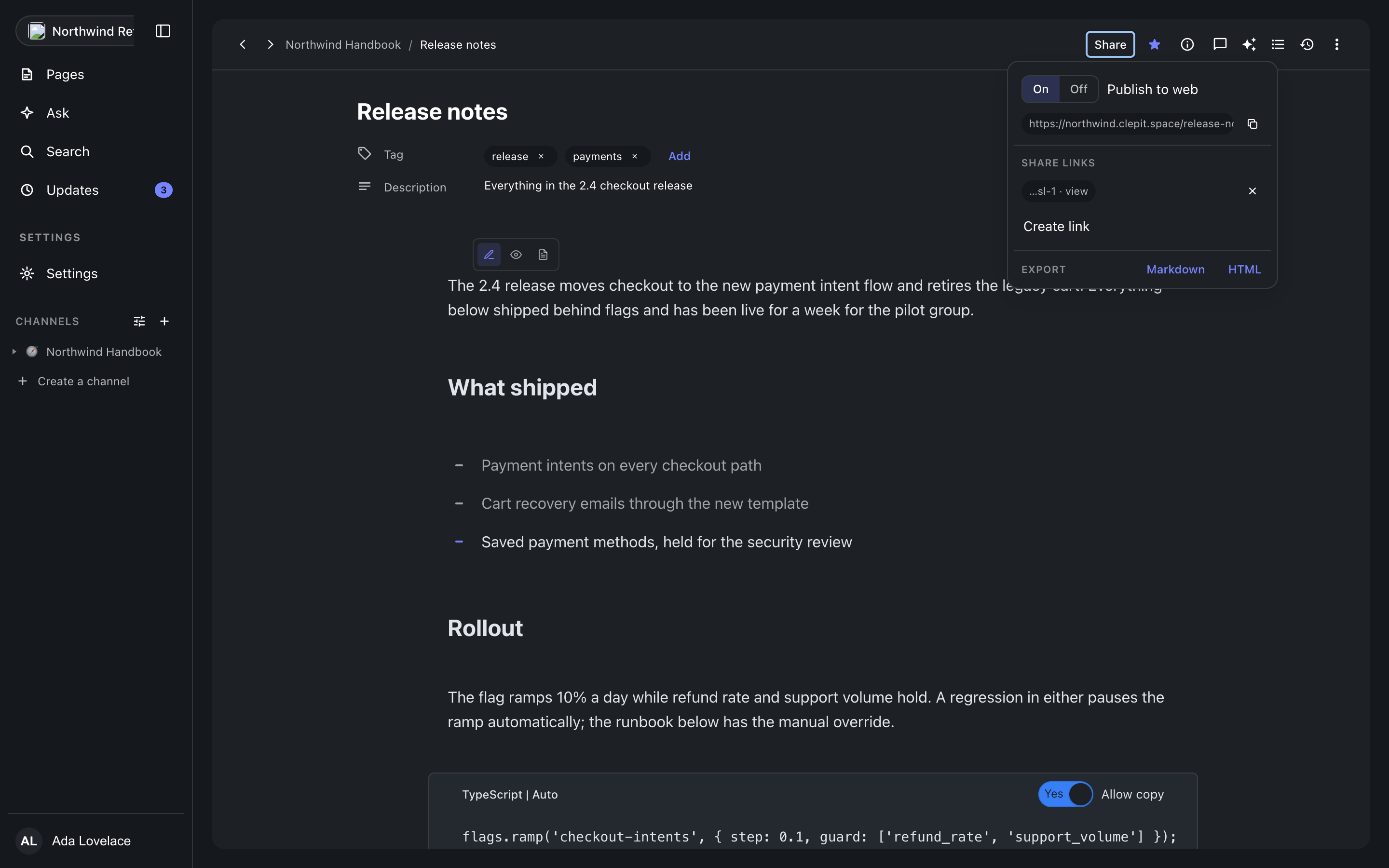
The Share popover leads with the publish switch. Publishing gives the document a public page served on clepit.space under its slug, with the SEO title, description, and image the document menu holds; unpublishing takes it back down. The console shows the public URL with a copy button, and its own /p route renders the published page as the author sees it, inside the console session. Publishing needs a connection: offline, the switch stays where it is rather than pretending.
Share links
A share link is a token URL for a document that is not public: create one from the same popover, send it, and revoke it when it should stop working. Active links are listed with their revoke buttons, and the popover says so when the link quota is reached rather than failing quietly.
Export
The document menu exports the document as HTML or Markdown, drawn from the same block JSON the editor writes, so what you download matches what renders.
Where this meets the docs
A published page is drawn with the same server renderer the packages expose: rendering and embedding describes the pipeline, and the API reference lists the functions behind it.