ወኪሎች
እንደ Claude እና ChatGPT ያሉ የAI ወኪሎችን ያገናኙ፣ እያንዳንዱ የትኞቹን የስራ ቦታዎች መድረስ እና ምን ማድረግ እንደሚችል ይምረጡ፣ እና ማን ምን እንዳገናኘ ይመልከቱ።
Turning agents on
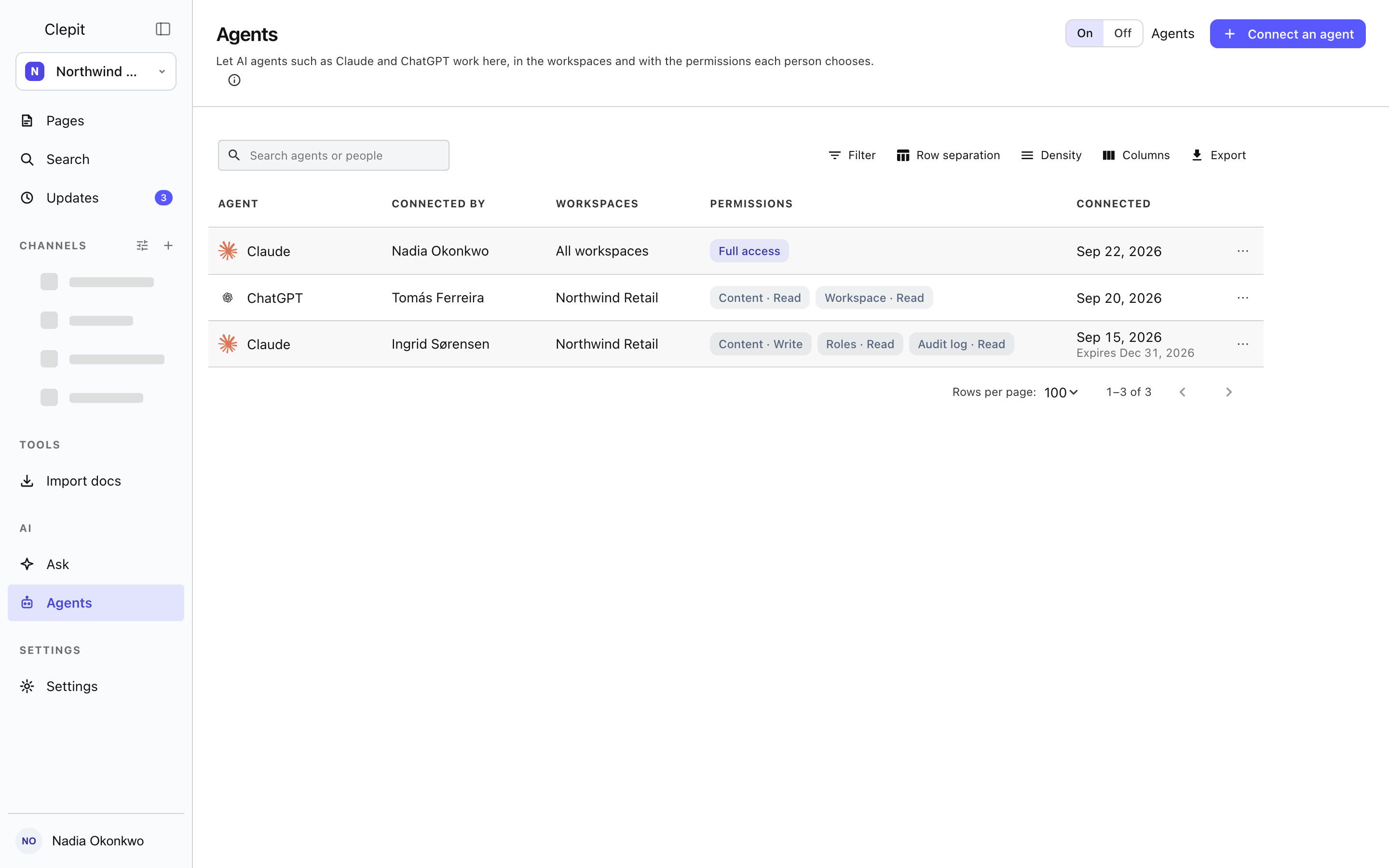
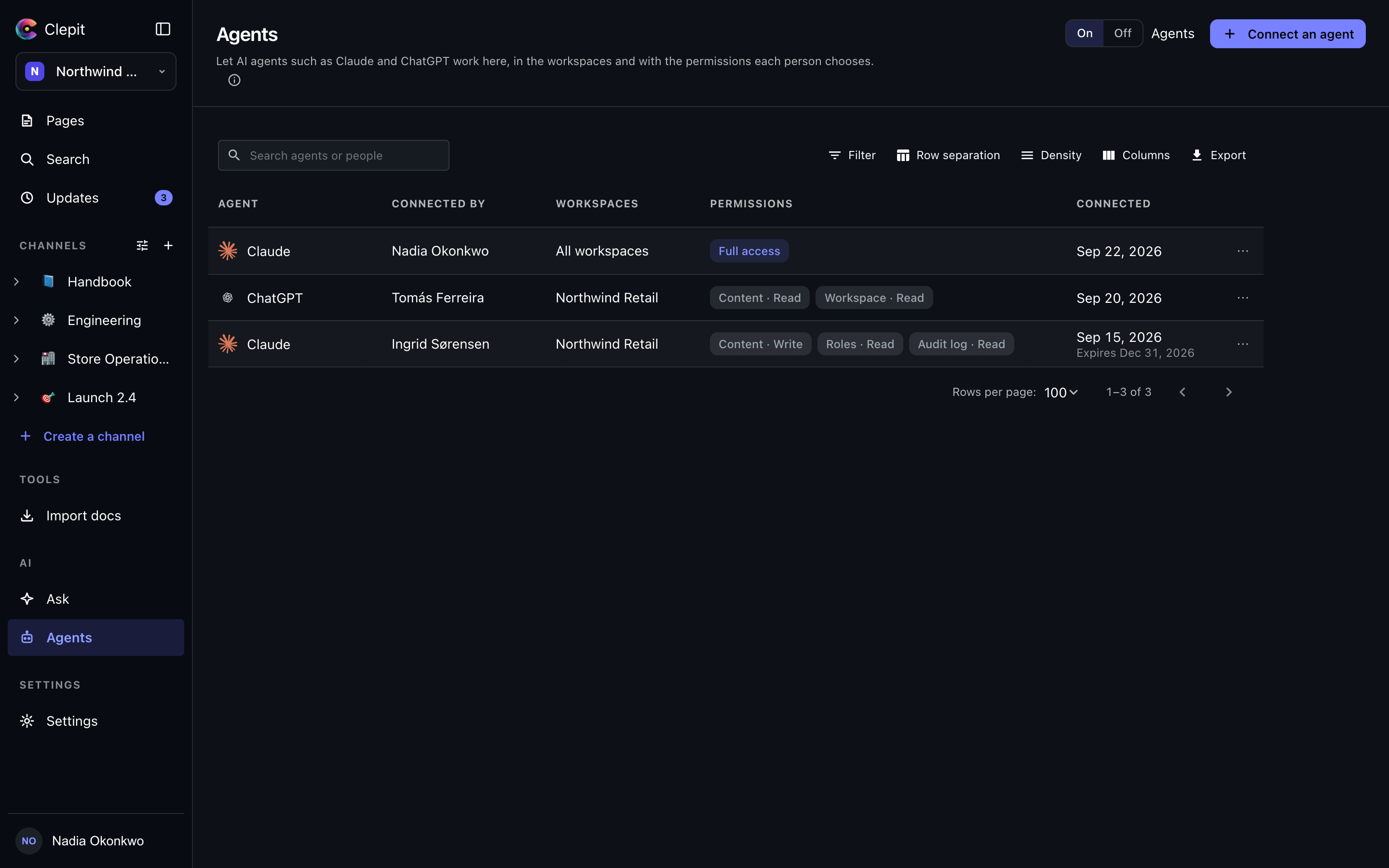
Agents sits in the AI group of the rail, beside Ask. The switch in the page head says whether agents may reach this workspace at all. It is off for every workspace until someone who may manage agents turns it on; turning it on asks nothing, and turning it off asks first, because every connected agent stops working until it is back on. Nobody is disconnected by the switch: the page keeps every connection and says so in a notice above the list while agents are off. A person who cannot manage agents sees the switch as it is set but cannot move it.
Connecting a client
Connect an agent opens a dialog with the server address and the steps for one client at a time, Claude or ChatGPT. Paste the address into the client, and it sends you to sign in with your Bomdisoft ID and to a consent screen where you choose this workspace, which of its workspaces the agent may reach, and how much it may do: everything you can, reading only, or a custom set. The agent then appears in the list, with your name against it.
What an agent may do
An agent acts for the person who connected it and never beyond what that person can do. The consent caps it further: the workspaces it may reach, and the areas it may touch, shown in the list as chips such as Content · Read or Workspace · Write, with the rest counted. Full access means everything you can do, in every workspace you chose. Inside those limits the same rules apply as in the console: a page the person cannot see stays invisible to the agent, and a page they can only read stays read-only.
Seeing and disconnecting
Everyone sees their own connections. Someone who may manage agents sees every connection in the workspace, with who connected it, which workspaces it reaches, its areas and when it was connected; the row menu opens the details or disconnects it, and the details panel says in one sentence what the connection lets the agent do. You can always disconnect your own agent; a manager can disconnect anyone’s. A disconnected agent loses access within a minute, and the person can connect it again from the client.
Agents and API keys
A personal API key, from the API page in Settings, also reaches the same server, but it acts as you with a read-only or read-and-write scope and needs no consent screen. An agent connection is a grant a client holds for you, scoped to workspaces and areas, listed here so the whole workspace can see who connected what. Choose a key for your own scripts and an agent connection for Claude, ChatGPT or another MCP client.