ホーム
Clepit コンソールで最初に迎えてくれる画面。お気に入りのドキュメント、最近開いたもの、左のナビゲーションレール。
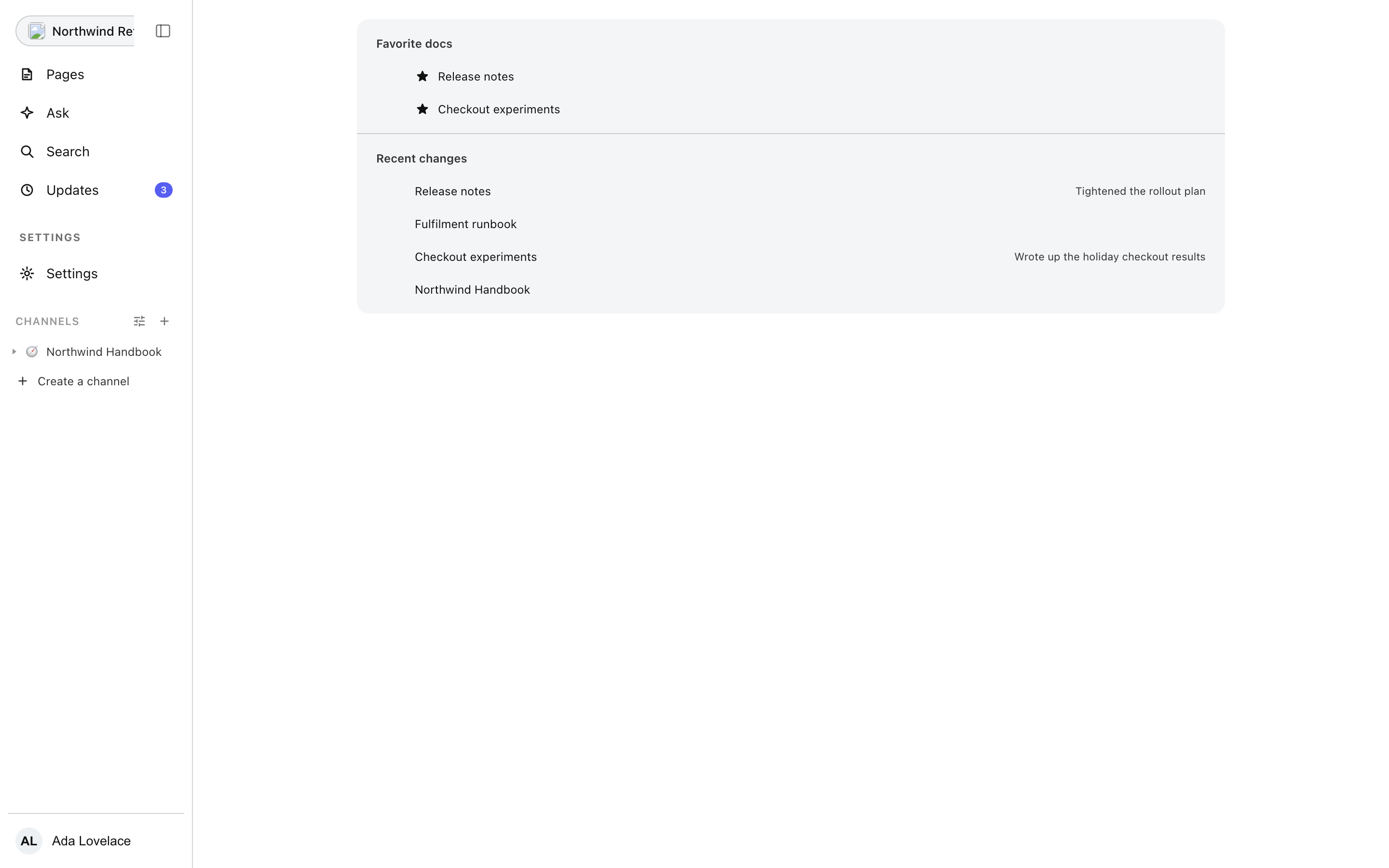
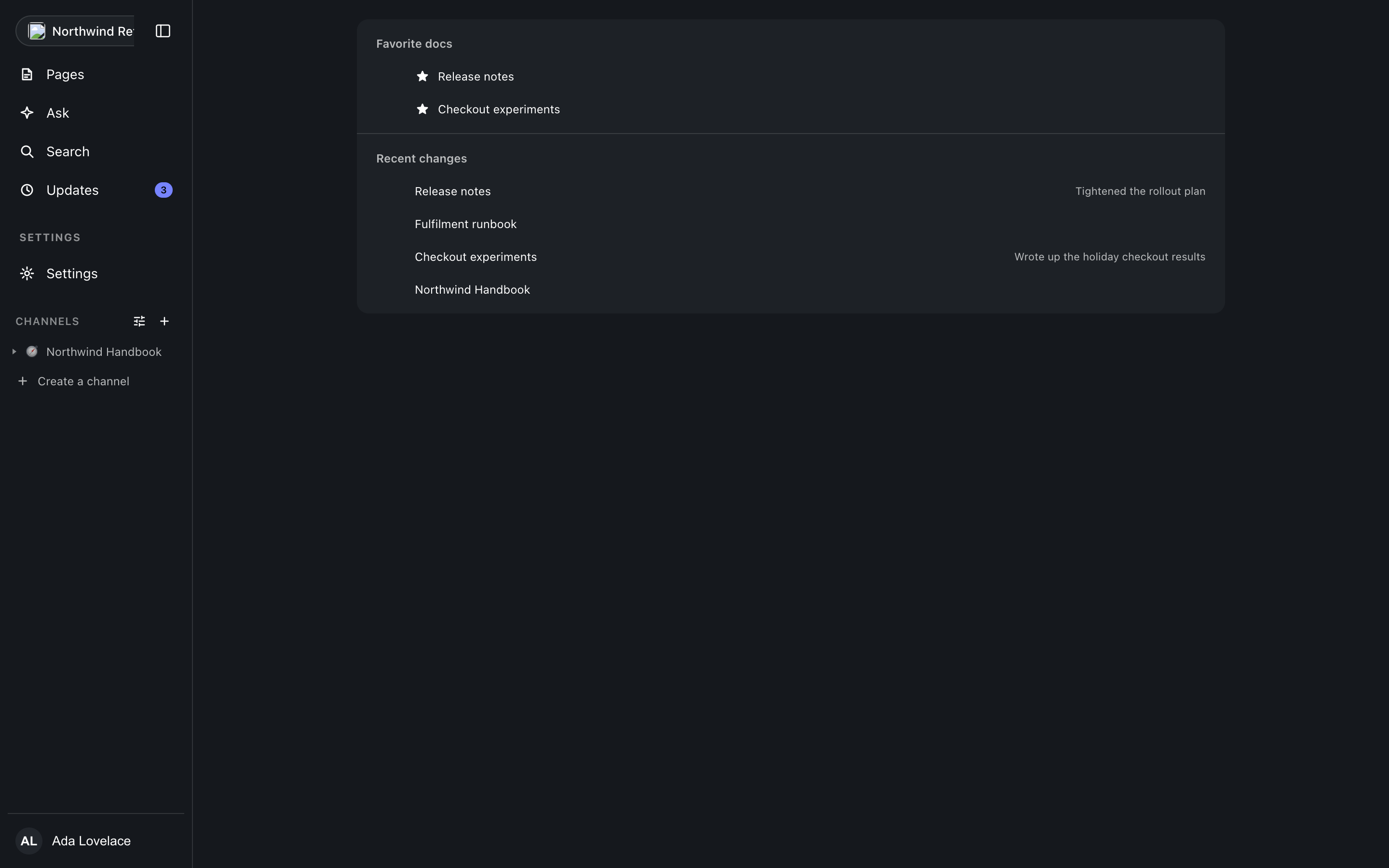
Favourites and Recents
Two lists, and nothing else competing for the screen. Favourites holds the documents you starred from their header; Recents holds what was opened lately, newest first. Each row is a link straight into the document. An empty list says it is empty rather than showing a blank, and a failed load shows the failure with a retry button instead of posing as an empty account.
The navigation rail
The rail on the left carries the console: Pages for the document tree, Ask (which announces itself as coming rather than pretending), Search (which opens the palette over the current screen rather than leaving it), Updates with its unread count, and Settings, with billing reached from the account menu as an external surface. The rail collapses to a thin strip and expands again from the strip itself, so a document can take the whole width without losing the way back.
Channels
Below the fixed rows, the rail lists the workspace channels: the top-level spaces of the page tree, each expanding to the documents it holds. The section header carries a filter and a create button, and creating a channel is creating a top-level page. An empty workspace says it has no channels yet instead of showing a blank strip, and a failed load says it failed.
First run
A new account lands on onboarding: name the workspace, create it, and arrive at Home. That is the whole ceremony; everything else is configured later in settings.
Where this meets the docs
Every document row opens the surface described in Documents. The rail badge behaviour is covered in Updates.